
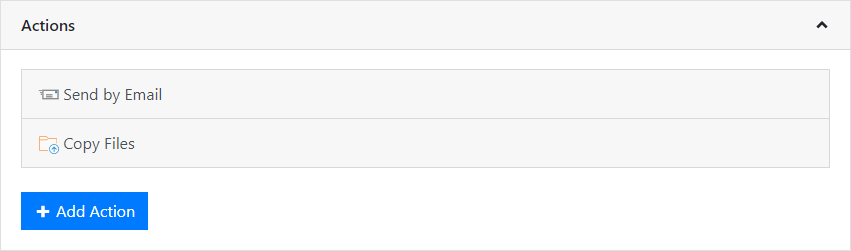
Specific actions can be added to a scheduled report, e.g. an action that sends the report by e-mail to specific people.
Figure 2.26: Actions for a scheduled report
Expand the Actions pane and add one or more of the available options.
▪ Accept the changes by clicking Save.
▪ An existing action can be removed by clicking Delete.
▪ Use the Test Connection button to check the settings.