
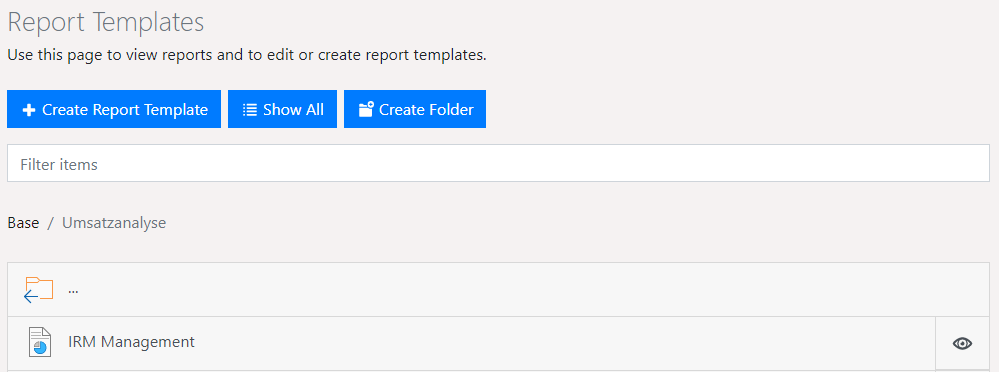
The Report Templates pane will display all reports for which the user has access permission. Reports can be grouped into folders.
If you wish to create a new report in the Designer, you must first generate a report template.
A variety of functions are available.
▪ Using Show All, folders can be hidden and all reports displayed in alphabetical order. Clicking on Show Folders will re-display the reports in their folder structure.
▪ Use the button with the gear-shaped icon to delete, move and rename folders.
▪ Use Filter items to reduce the number of list items displayed. Full-text search will search report names and descriptions. Use the X button on the filter bar to show the entire list once more.
▪ Create new reports using Create Report Template, or new folders using Create Folder.
▪ To generate a report, click on the Quick View magnifier button to the right of a report.
Figure 2.1: Report templates