
For a first simple report, you will produce a product list in alphabetical order with a report title and a company logo.
1. Create a report template (see Creating report templates) based on the template type "Standard".
2. Start the Designer.
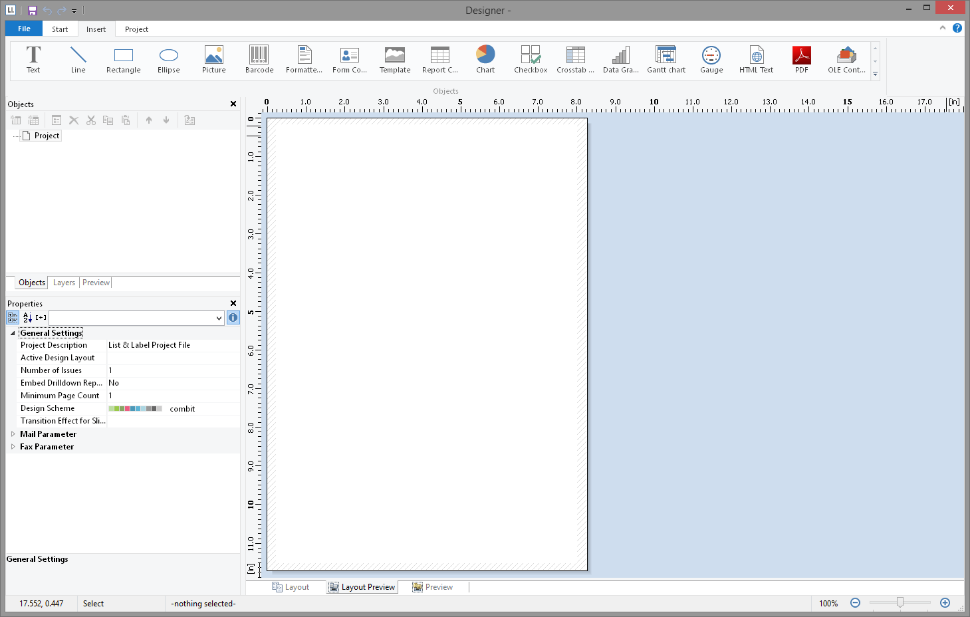
3. The standard project for the respective project type is displayed. This standard project is normally an empty workspace with a certain paper size and alignment.
With label projects, a certain label format (size and arrangement of the individual labels on the sheet) is already specified as a default value.
4. If you have chosen "New project wizard" under File > Options > Workspace the project wizard will start. The project wizard simplifies the job of creating new projects by leading you through different page setup options. We don´t use the wizard for this example.
Figure 3.5: Empty workspace