
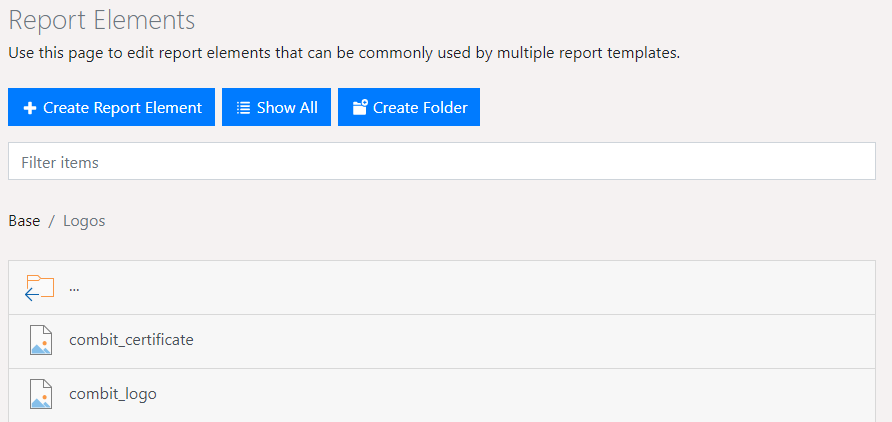
When designing similar projects, it is recommended to use "Report Elements" instead of creating recurring elements in every project every time. You can include e.g. a picture, a text or also a PDF file very easily and changes can be made globally.
A changed address of your company can be edited e.g. in a single element instead of changing hundreds of reports.
The definition is made in the "Report Elements" area. In this area all elements are displayed and can be grouped in folders.
Figure 2.12: report elements
A variety of functions are available.
▪ Using "Show All", folders can be hidden and all elements will be displayed in alphabetical order. Clicking on "Show Folders" will display the elements in their folder structure again.
▪ Use the button with the gear-shaped icon to delete, move and rename folders.
▪ Use "Filter items" to reduce the number of list items displayed. A full-text search will search element names. Use the X button on the filter bar to return to the full list again.
▪ Create new elements using "Create Report Element", or new folders using "Create Folder".
Note: Report elements are not available in the Ad-hoc designer.