
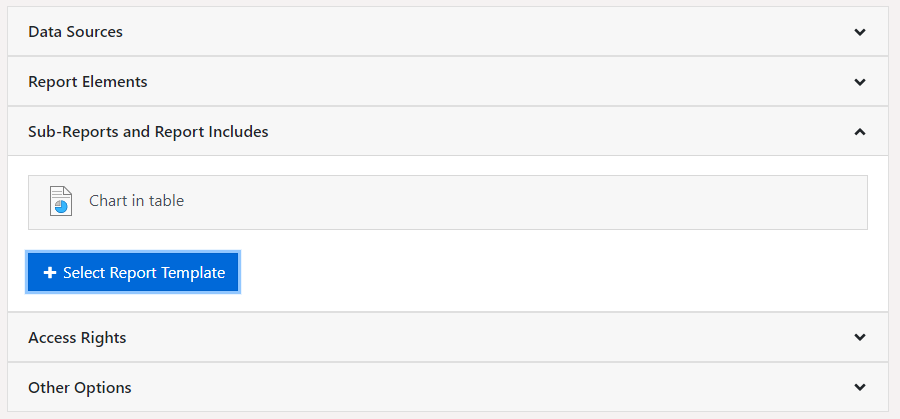
Using the option 'Sub-Reports and Report Includes', you can add entire report templates of the same type as report includes and sub-reports to a report template in addition to the report elements. The selected report templates are then available in the Designer as report includes or sub-reports. Likewise, all data sources, report elements and uploaded images of the linked report template are added when printing and in the Designer.
Figure 2.15: Sub-Reports and Report Includes
To add a sub-report or a report include, choose 'Select Report Template' and pick the corresponding report template.