
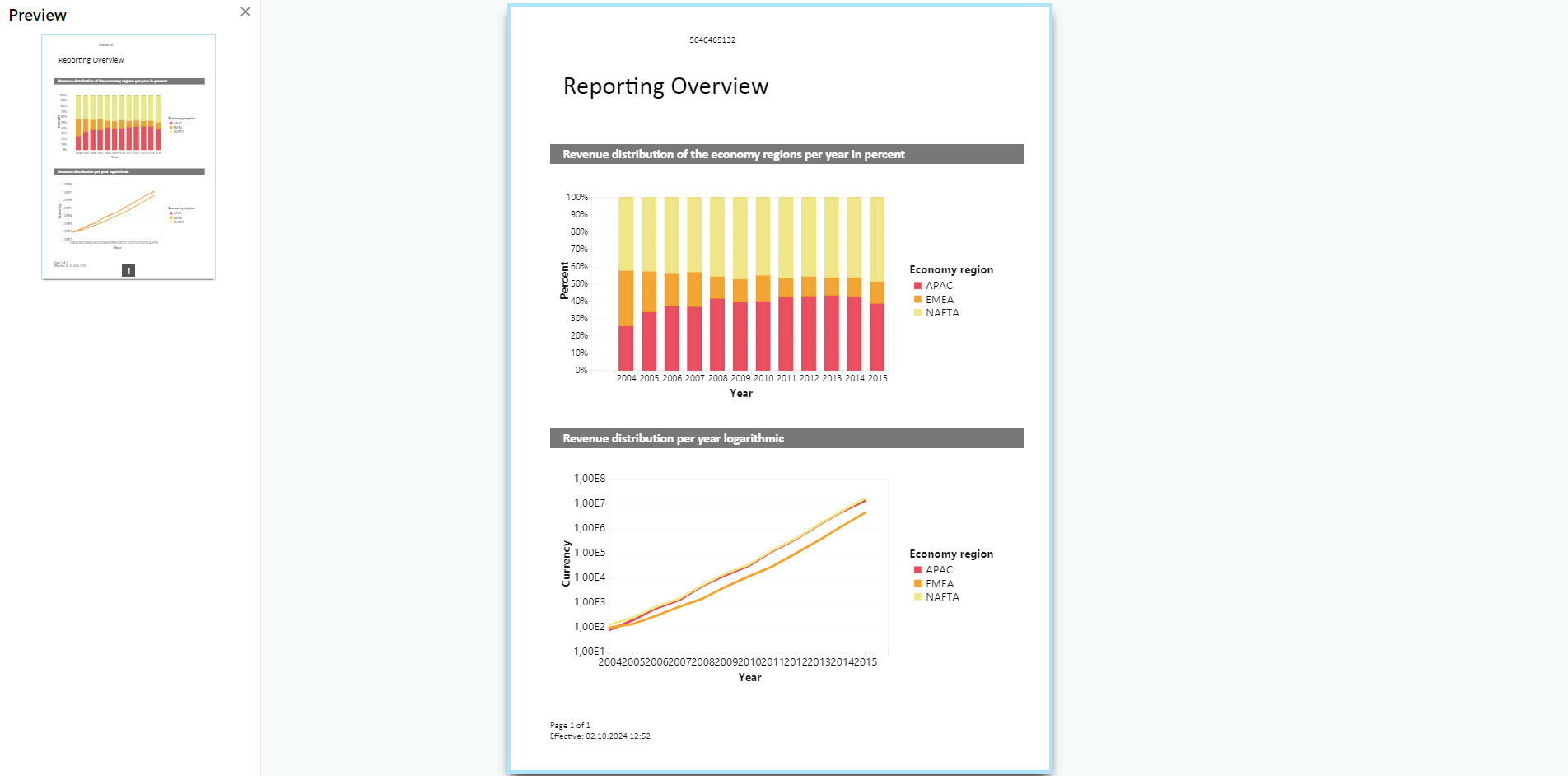
The real data preview function is available directly in the Designer provided that your application supports it. In this way, you can check the layout of a printout without wasting paper in order to do so. After checking the layout, the actual print can be started from the preview without having to use the print command again.
Choose the maximum number of pages which are displayed in the
Real Data Preview in your project options.
Figure 8.2: Real data preview in the Designer