
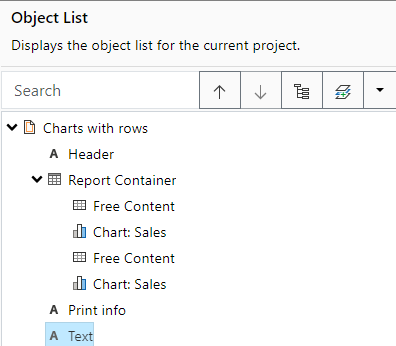
You edit created objects directly in the "Objects" tool window.
▪ All actions are available in a context menu. There are additional buttons in the top toolbar for the frequently used actions.
▪ The currently selected item will be highlighted in the workspace.
▪ The object highest in the object list is the object in the background, the lowest/final object to appear in the object list is the object in the foreground.
▪ The object list can be filtered using the input field at the top.
Figure 8.3: Print order in the object list