
You can use your own shape files by defining them as report elements. To do this, select the element type "Shapefile". For a shapefile you need the SHP and DBF file, which can only be uploaded together.
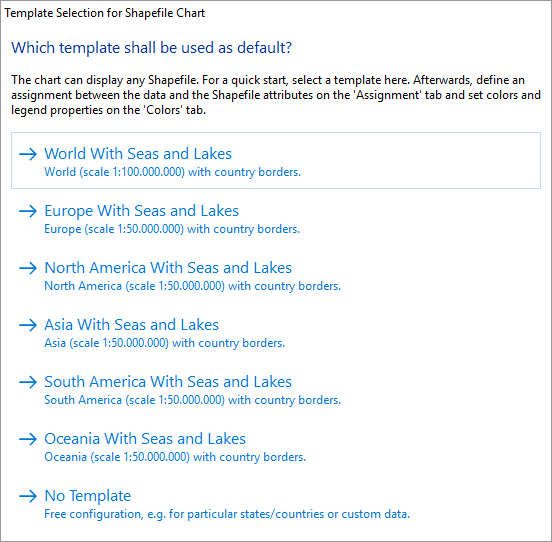
When inserting a diagram of the type "Shapefile" in the designer, a dialog box for template selection opens. Select the option "No Template".
Figure 2.13: Template selection for shapefile diagram
In the following dialog box, you can then select the shape file added as a report element:
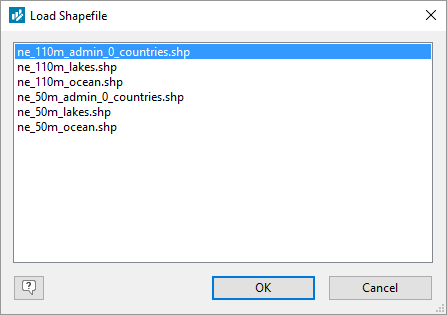
Figure 2.14: Dialog to load a shapefile