
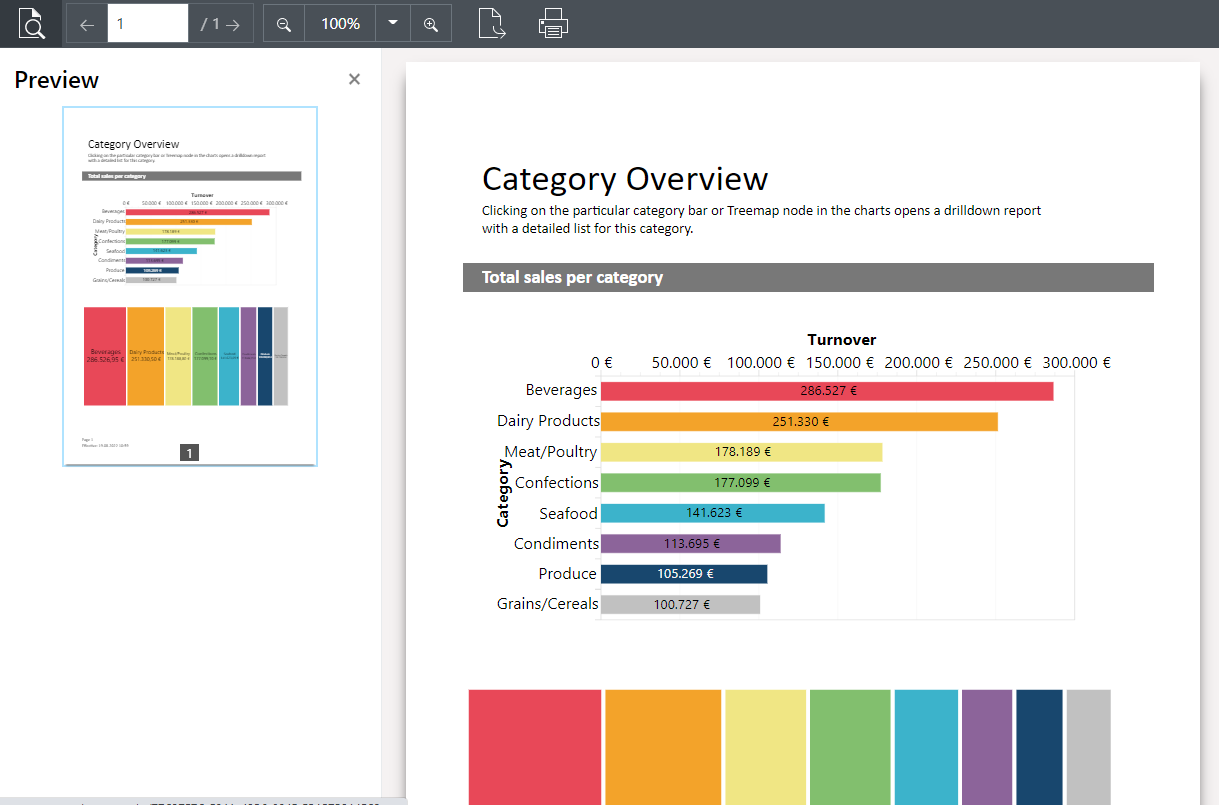
The pages are shown as single pages.
Figure 2.31: Preview in browser with drilldown via Report Paramters
▪ You can adjust the view using the Zoom buttons and "1:1".
▪ Using the Export function, choose one of the configured export profiles.
▪ You can also choose a network printer using the Export function. For more information on network printers, refer to the chapter Management in the section Manage Printers.
▪ The print function initiates output at one of the printers configured at your workstation.
▪ The report parameters you have defined for the preview are displayed in the section on the left. After choosing a report parameter, the filter can be executed using "Apply".