
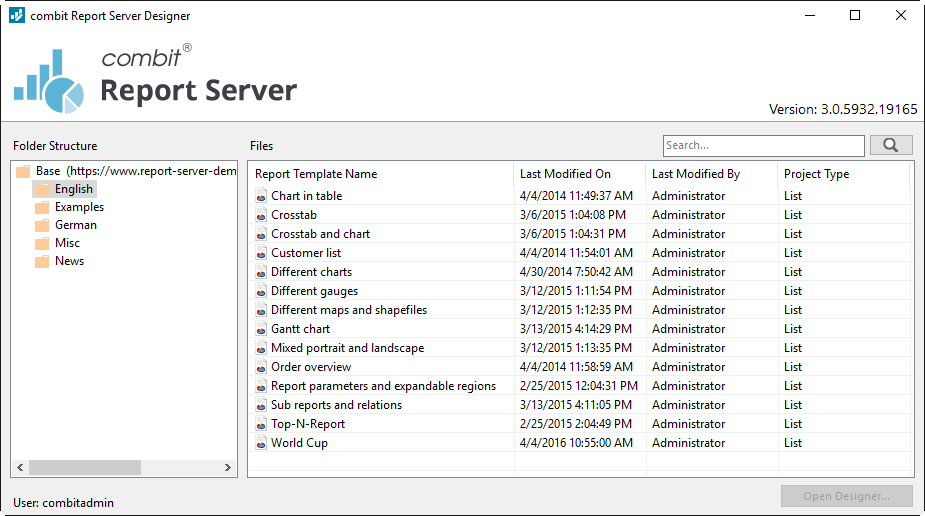
Various print templates for printing information originating from the data sources defined in combit Report Server can be created or edited by the Designer. The Designer will then provide all the data, which can be prepared in different ways for printing.
In doing so, the Designer always uses the data that has been provided by combit Report Server, meaning the selection and compilation of the data is carried out by the definition of a report template in combit Report Server.
The Designer and the preview and export dialog will usually be executed by combit Report Server. The Designer, however, can be launched from the desktop shortcut. The first time you start the application, you need to enter the combit Report Server URL. In the login dialog, enter your username and password. The checkbox "Force Login" automatically ends a possibly existing parallel session of the same user.
Figure 3.1: combit Report Server Designer - Application