
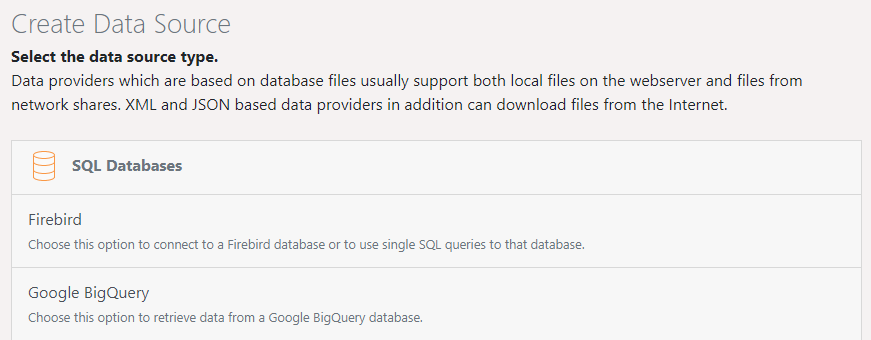
▪ Use Create Data Source to create new data sources.
▪ Select the data source type.
Figure 2.17: Setting up a new data source
Data sources which use individual database files generally support both local files on the web server as well as files from network shares. XML- and JSON-based data sources can also download files from the Internet.
▪ Define the general properties:
▪ Name
▪ Description
▪ Specify the groups that have access rights. Without such an assignment, no user group will be able to access the data source and therefore it cannot be used for creating reports.
▪ Click the Configure button. From there, access to the database and which data will be made available, if that data source is available, will be determined.